12 Essential Wear OS Apps And Resources For Entrepreneurs In 2025
Discover the top 12 essential wear os apps and resources to boost your productivity. A must-read guide for every SME owner and entrepreneur.
Dec 22, 2025
As an entrepreneur, you know every second counts. Juggling meetings, managing tasks, and staying connected on the go is a daily challenge. But what if your most powerful productivity tool was already on your wrist? Smartwatches powered by Wear OS are more than just fitness gadgets; they're miniature command centres that can revolutionise how you run your business.
Think about it: instead of pulling out your phone to check a critical Slack notification during a client meeting, you can glance at your wrist. Instead of fumbling with your phone to start a timer for a focused work session, a simple tap on your watch does the job. The right Wear OS apps turn your watch into an indispensable business asset. In fact, studies show that professionals using wearable tech can save up to 87 minutes per day, reclaiming over 7 hours of productive time every week.
This guide isn't just a list. It’s a curated collection of essential apps and resources chosen specifically for ambitious business owners. We'll explore practical, real-world use cases, address common concerns like cost and complexity, and show you exactly how to leverage this technology for a tangible return on investment (ROI). For those thinking bigger and considering a custom app for their business, understanding potential mobile app monetization strategies is a crucial first step. Each entry includes direct links and actionable advice to help you optimise your workflow, one tap at a time.
1. Google Play Store (Wear OS apps and watch faces)
The Google Play Store is your official, non-negotiable starting point. As the main marketplace, it offers the largest, most secure, and up-to-date collection of wear os apps and watch faces. For a business owner, this is your primary gateway to boosting your smartwatch's productivity, ensuring every download meets Google’s security and quality standards.
Real-World Use Case (Professional Services): A consultant can install Microsoft Outlook directly on their watch. Between client meetings, they can discreetly check their next appointment time, archive non-urgent emails, and stay on schedule without ever taking out their phone.
The best part is its direct integration. You can browse and install apps from your watch, phone, or a web browser, and they appear on your device moments later. This seamless experience is critical when you're short on time. For entrepreneurs wanting to publish their own app, a practical guide on how to publish your Wear OS app on Google Play is an invaluable resource. Understanding how web design fits into your marketing strategy is also vital for visibility on platforms like this.
Your Actionable Takeaway
Spend 15 minutes today searching the Play Store on your phone for the top 3 apps you use daily (e.g., your calendar, to-do list, and messaging app). Install their Wear OS versions and see how they can streamline your notifications.
2. Wear OS by Google (official product site)
Think of Google’s official Wear OS website as the executive summary of what your smartwatch can do. It's not a store, but a curated showcase of the platform's core capabilities and flagship wear os apps. For a busy entrepreneur, this is the best place to get a high-level overview of the ecosystem's potential and to confirm the availability of first-party Google apps like Gmail, Calendar, and Google Maps.
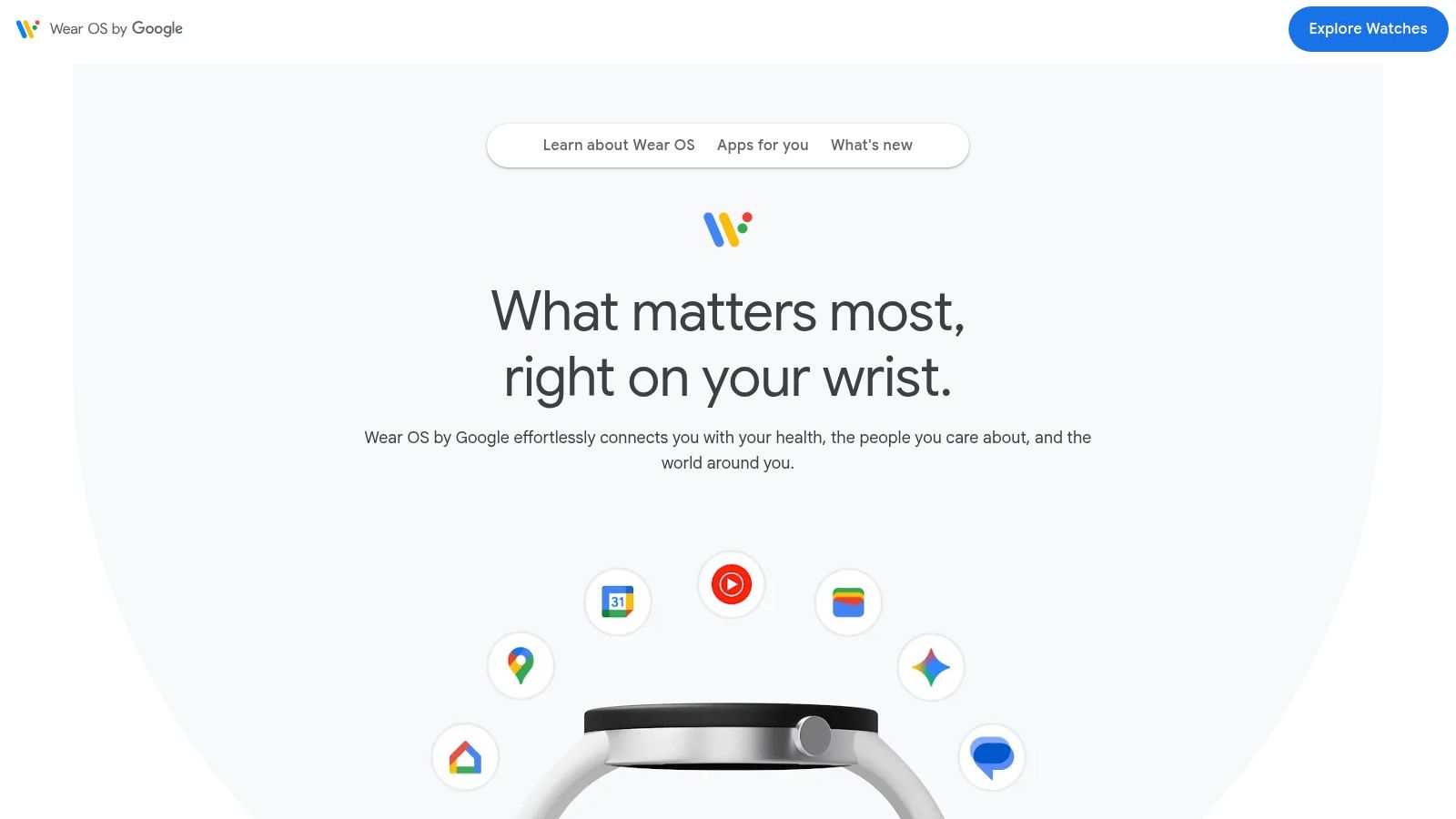
The site’s strength is its clear presentation, which helps you understand how the smartwatch integrates into your existing Google-centric workflow out of the box. It effectively demonstrates what your device is capable of, setting expectations before you dive into the vast app marketplace.
Real-World Use Case (E-commerce): A small online store owner can visit this site to see how Google Wallet for Wear OS works. This inspires them to ensure their own point-of-sale system is set up for tap-to-pay, improving the checkout experience for their local pop-up shop customers.
Your Actionable Takeaway
Before you download dozens of apps, visit the official Wear OS site. Identify one core feature showcased (like Google Assistant voice commands) and spend the next week using it to set reminders or send quick messages. Master the basics first.
3. Android Developers – Wear OS (Watch faces & developer docs)
This resource is your behind-the-scenes pass to the Wear OS world. While the Android Developers portal is technical, it's indispensable for any entrepreneur serious about leveraging wear os apps. It's the official rulebook from Google, detailing the design guidelines and quality standards every app must meet. For anyone looking to build a custom app or simply understand why apps work the way they do, this is where you find the answers.
Common Objection Addressed: Many SMEs worry about the cost and complexity of building a custom app. By reviewing these guidelines first, you can have a much more informed conversation with a developer, saving time and money. Understanding the fundamentals of UX/UI design as outlined here is vital for a successful project.
It demystifies the rules of the ecosystem. For instance, it explains the technical requirements for battery-efficient watch faces, which is crucial for creating a branded face that doesn't annoy users by draining their device.
Your Actionable Takeaway
If you're considering building a custom app or watch face, bookmark this site. Before hiring a developer, review the "Design for Wear OS" section. This will equip you to ask smarter questions and better evaluate the proposals you receive.
4. Facer
For entrepreneurs who believe their tools should reflect their personal brand, Facer is the leading platform for smartwatch customisation. It offers a massive library of watch faces, from designs by independent artists to official faces from major brands. It's the perfect place to find a watch face that matches your professional style or even your company's branding.
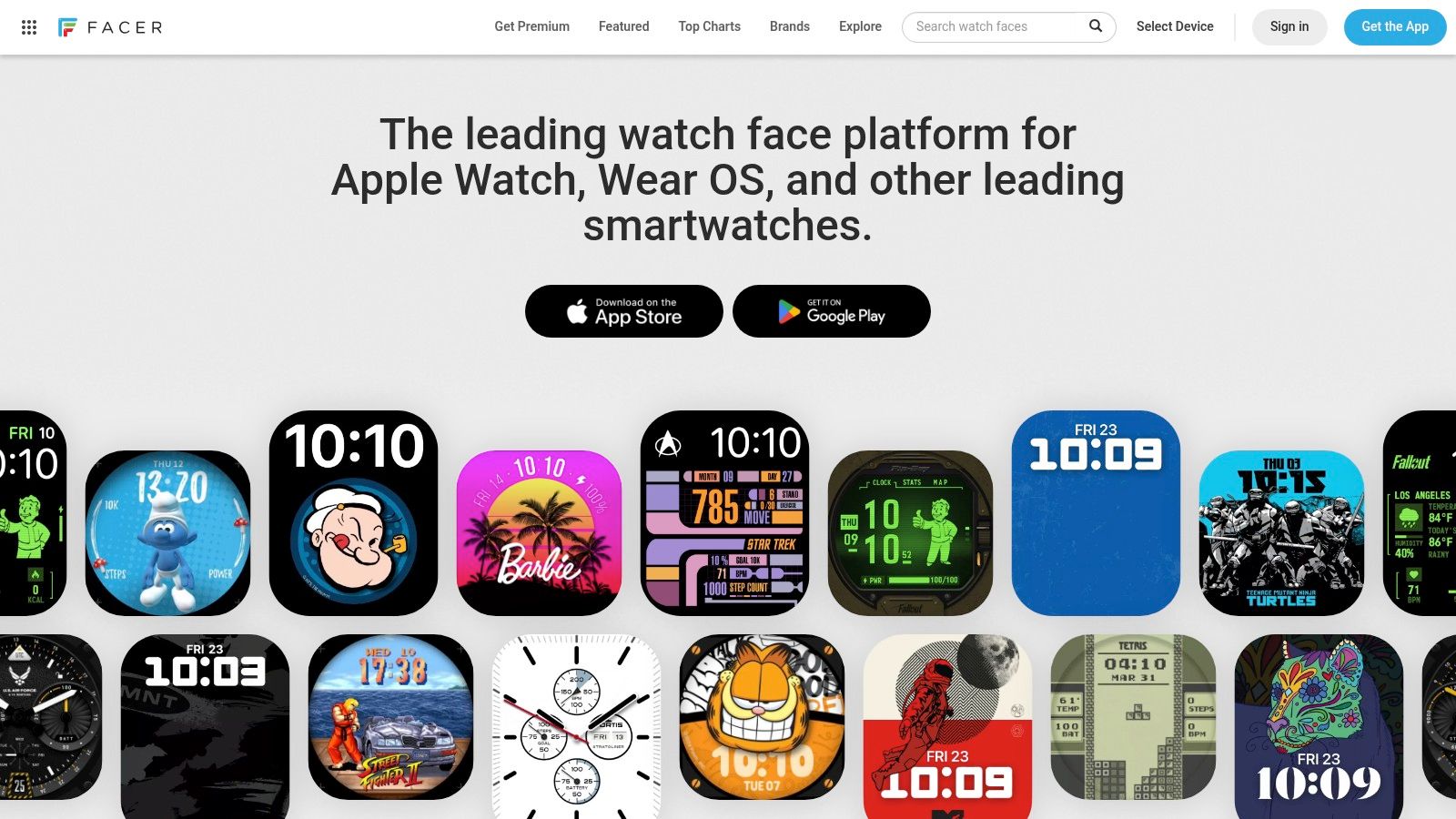
Facer's key advantage is its sheer variety. The platform makes it easy to send faces from the companion phone app directly to your watch. It offers both free and premium models, making it one of the most versatile sources for wear os apps focused on personalisation.
Real-World Use Case (SaaS Founder): A SaaS founder can choose a minimalist, data-rich Facer watch face that displays their next calendar event, the current time in a key client's time zone, and the weather. It’s a functional statement piece that keeps them organised at a glance.
A standout feature is the power-impact label on newer faces, giving a clear indication of potential battery usage—a crucial consideration for a professional's all-day device. You can explore its collection at https://www.facer.io/.
Your Actionable Takeaway
Install Facer and search for a watch face that includes a "complication" (a small widget) for the app you use most often, like your calendar or to-do list. Use it for a week to see how much time you save by having that info instantly available.
5. WatchMaker
WatchMaker takes customisation to the next level. It's a community-driven powerhouse that offers both a huge library of user-generated watch faces and a powerful suite of tools to design your own from scratch. For entrepreneurs, this means you can create a branded watch face that displays key business metrics, upcoming appointments, or your company logo directly on your wrist.
WatchMaker empowers users with deep creative control, far beyond the native options in Wear OS. Its designer tools even allow for complex scripts and integrations.
Real-World Use Case (E-commerce): The owner of an online store could design a WatchMaker face that pulls a live daily sales count from their e-commerce platform's API. It's a powerful, motivating dashboard right on their wrist.
The platform is actively adapting to Google's new standards, ensuring its library remains compatible with modern devices. For entrepreneurs wanting to gather feedback on a potential custom face design for their team, using an AI-powered form builder like Weavely.ai can streamline the design process by collecting opinions through a quick, simple survey.
Your Actionable Takeaway
If you have a specific piece of information you need to see constantly, explore WatchMaker's designer. Try creating a simple face that includes your company logo and a large, clear display of your next calendar event.
6. Pujie Watch Faces
Pujie Watch Faces is a top-tier designer tool for creating a truly bespoke watch face without writing a single line of code. For entrepreneurs who value data-rich displays and brand consistency, Pujie provides a platform for both deep personalisation and community sharing.
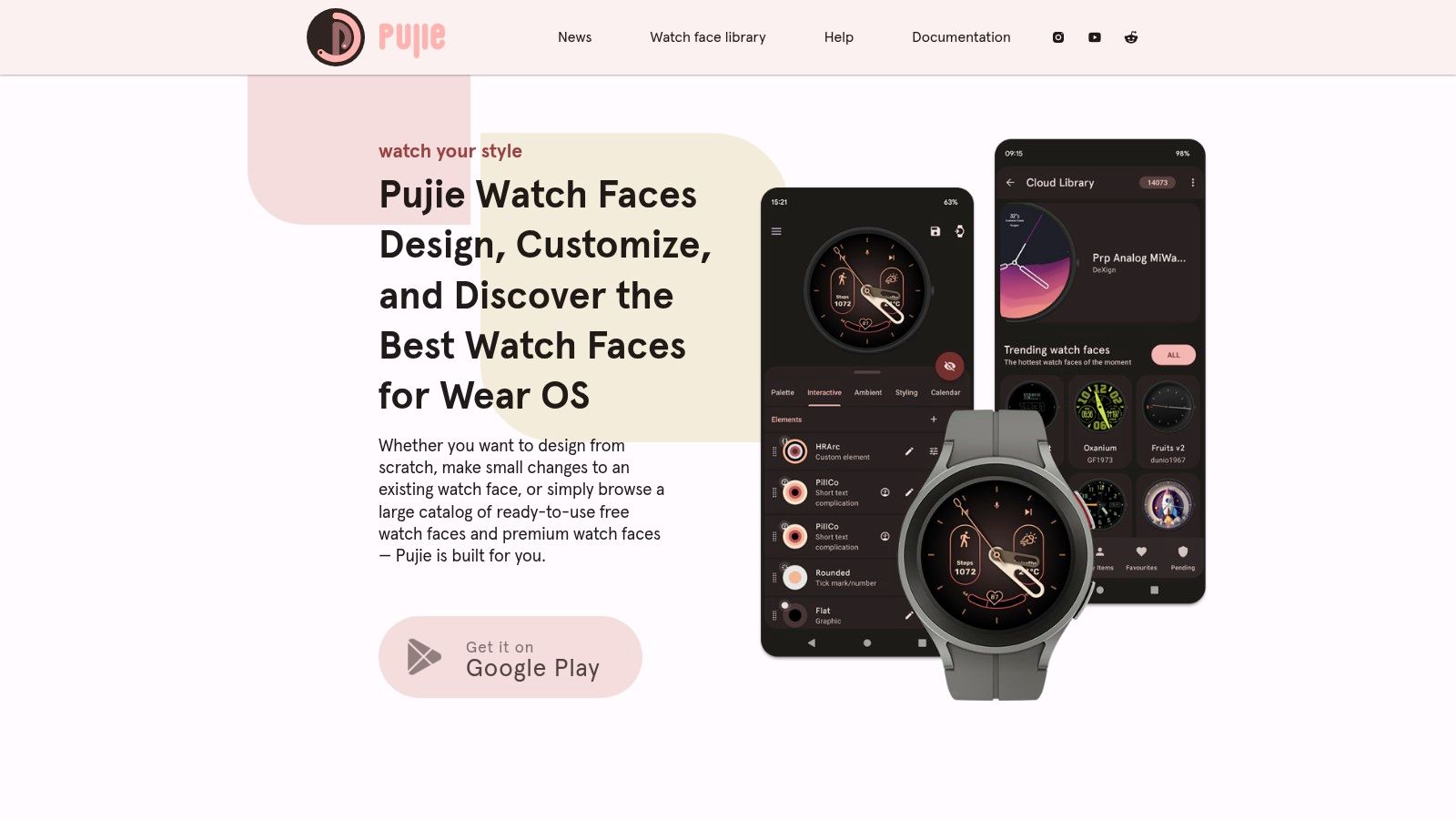
Its most compelling feature is the advanced yet accessible designer, which lets you combine complications, interactive elements, and custom graphics. Pujie also has a vibrant community library where users share their creations, providing endless inspiration or ready-to-use designs. This focus on customisation makes it one of the most versatile wear os apps for watch face design.
Real-World Use Case (Financial Advisor): A financial advisor can use Pujie to design a watch face with live stock tickers for their top clients' portfolios, a world clock for international markets, and a shortcut to their appointment booking app. It becomes a command centre for their daily operations.
Your Actionable Takeaway
Download Pujie and browse the community library. Find a design you like and use the designer tool to make one small change—like swapping the colour scheme to match your company's branding. This is a great entry point into its powerful features.
7. AMOLEDwatchfaces
For entrepreneurs who value both style and efficiency, AMOLEDwatchfaces is a specialised studio for high-quality, battery-conscious watch faces. It focuses exclusively on designs optimised for AMOLED screens, ensuring visuals are vibrant without draining your power. This is crucial for professionals who need their watch to last through a long day of meetings and travel.
The platform stands out by providing clear, detailed installation guides, which is invaluable for busy users who don't have time to troubleshoot technical issues. While the faces link to the Google Play Store for purchase, the website acts as a curated gallery and support hub. This focus makes it a prime source for some of the most functional and power-efficient wear os apps in the customisation category.
Common Objection Addressed: "Smartwatch batteries don't last long enough to be useful for business." By choosing a face from AMOLEDwatchfaces, you can significantly extend your device's battery life, making it a reliable all-day tool rather than a liability.
Your Actionable Takeaway
If battery life is your top concern, browse AMOLEDwatchfaces and invest in one of their paid designs. Track your battery usage for three days and compare it to your previous watch face. The small investment can deliver a huge ROI in reliability.
8. APKMirror
APKMirror is a reputable library for original application packages (APKs), acting as a crucial resource for advanced users. For entrepreneurs and developers needing a specific app version for testing or compatibility, this platform is invaluable. It hosts a vast archive of wear os apps, allowing you to find versions that may have been delisted or are not available in your region.
Its strength is providing access to the raw APK files, which can then be "sideloaded" (manually installed) onto a watch. This is a more technical process but offers unparalleled control. For a business, this might mean deploying a specific version of an internal app across multiple devices or troubleshooting an issue present only in a recent update.
Real-World Use Case (IT Consultant): An IT consultant supporting a client with a fleet of older smartwatches might find that a new app update breaks compatibility. They can use APKMirror to find and reinstall the last known working version, preventing operational disruption for their client.
Your Actionable Takeaway
This is an advanced tool. Only use it if a critical app you rely on is no longer available or a recent update has caused problems. Always start with the Google Play Store first. If you must use APKMirror, follow a trusted guide for sideloading apps to Wear OS.
9. GitHub – Wear OS topic
For the tech-savvy entrepreneur or a business owner looking for highly specialised, open-source tools, GitHub is an essential resource. The ‘wearos’ topic section aggregates hundreds of projects, offering a transparent look into the development of upcoming wear os apps, complications, and utilities.
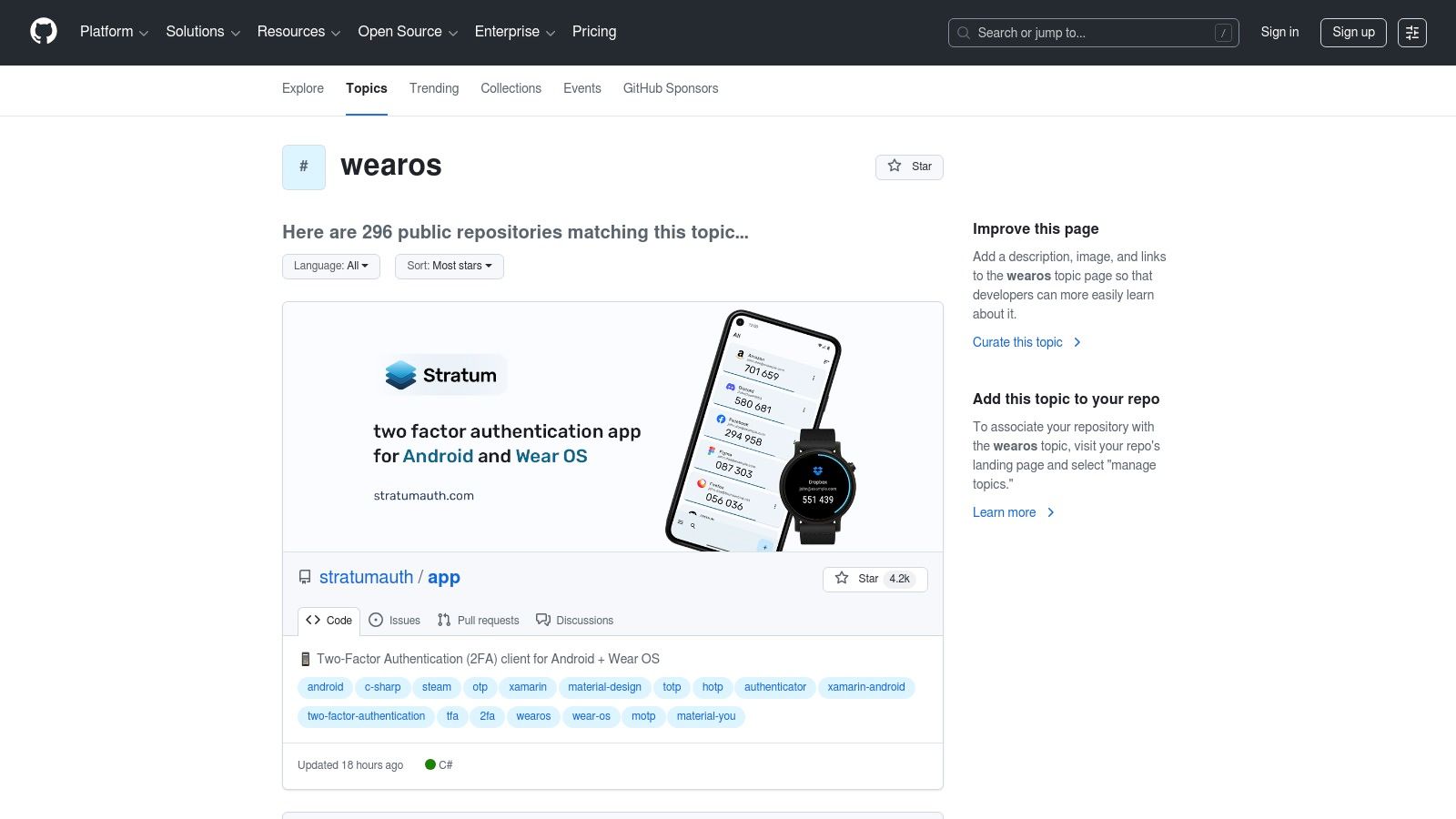
Unlike a polished app store, GitHub's value lies in its transparency. You can find niche applications that solve very specific problems not addressed by commercial apps. For a business, this could mean finding a unique utility to streamline a workflow or even adapting an open-source project for your own needs.
Real-World Use Case (SaaS Company): A SaaS company with an open-source monitoring tool could find a project on GitHub that ports system status alerts to a Wear OS watch. They can adapt this code to provide their on-call engineers with real-time server status updates on their wrists.
Your Actionable Takeaway
If you have a very specific business need that no commercial app seems to solve, search for it on GitHub under the "wearos" topic. You might discover an open-source project that is 90% of the way there, which you can then hire a developer to customise for you.
10. Samsung Watch Face Studio (WFS)
For entrepreneurs looking to create a professional, branded watch face, Samsung Watch Face Studio (WFS) is the officially recommended starting point. This powerful, no-code desktop application allows you to design custom watch faces using modern standards, ensuring they are high-quality and compliant with the Google Play Store.
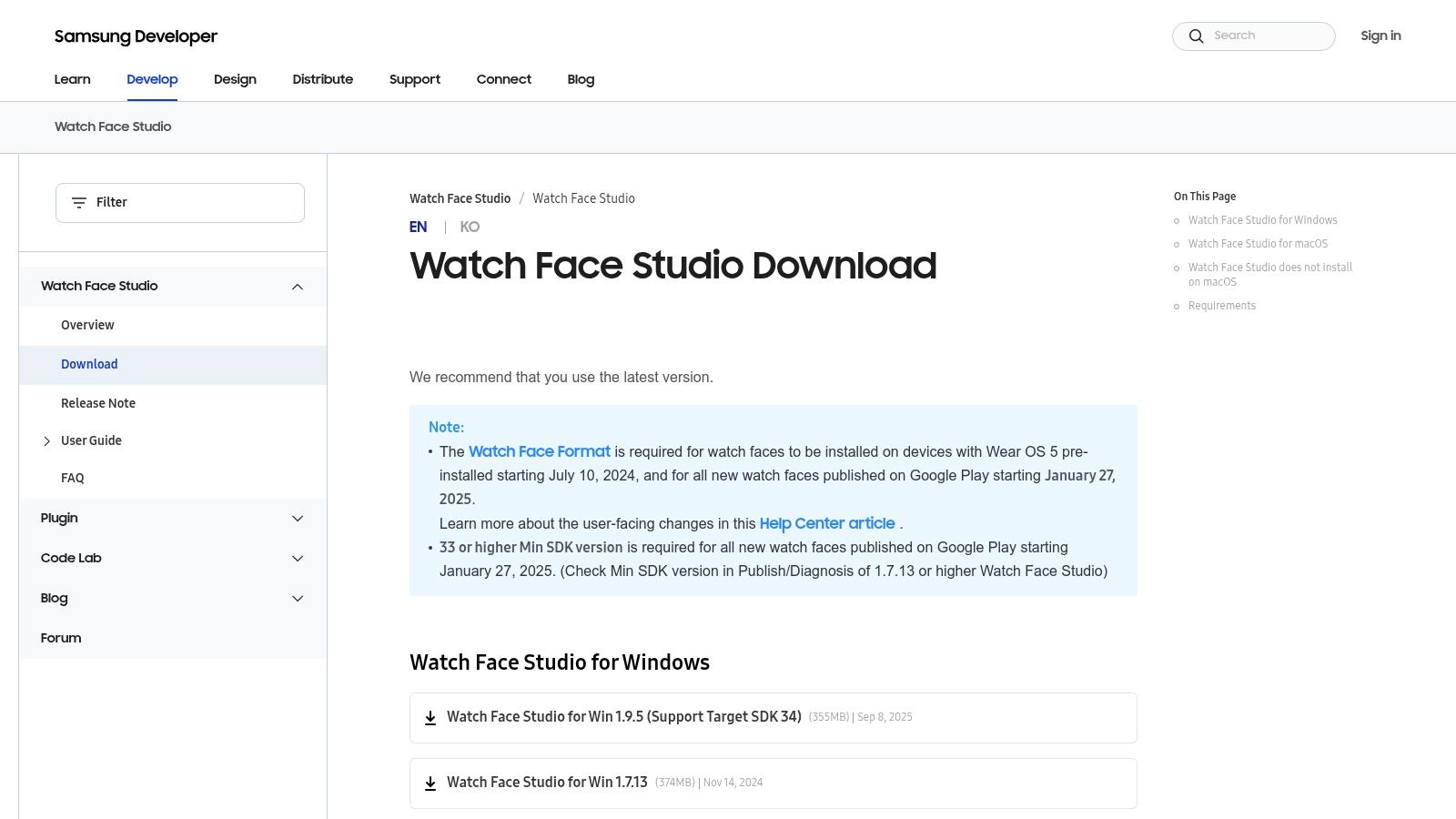
WFS stands out by making professional watch face creation accessible to non-coders. It offers a graphical interface where you can drag and drop components, customise complications, and test designs. While the tool is free, publishing to the Google Play Store requires a developer account. This makes WFS an indispensable first step in the design process of creating branded wear os apps. Understanding the full product management life cycle can provide a valuable framework for managing your watch face project from start to finish.
Your Actionable Takeaway
Download WFS and try a simple project: create a watch face with your company's logo as the background and the digital time. This 30-minute exercise will show you how easy it is to create a professional-looking, branded asset for your team.
11. Android Central
Android Central is your expert guide to the busy world of wear os apps. This technology site publishes curated roundups, comparisons, and timely news. For entrepreneurs, it’s an invaluable resource for cutting through the noise, providing expert recommendations to help you quickly find the most effective tools for productivity, communication, and health management.
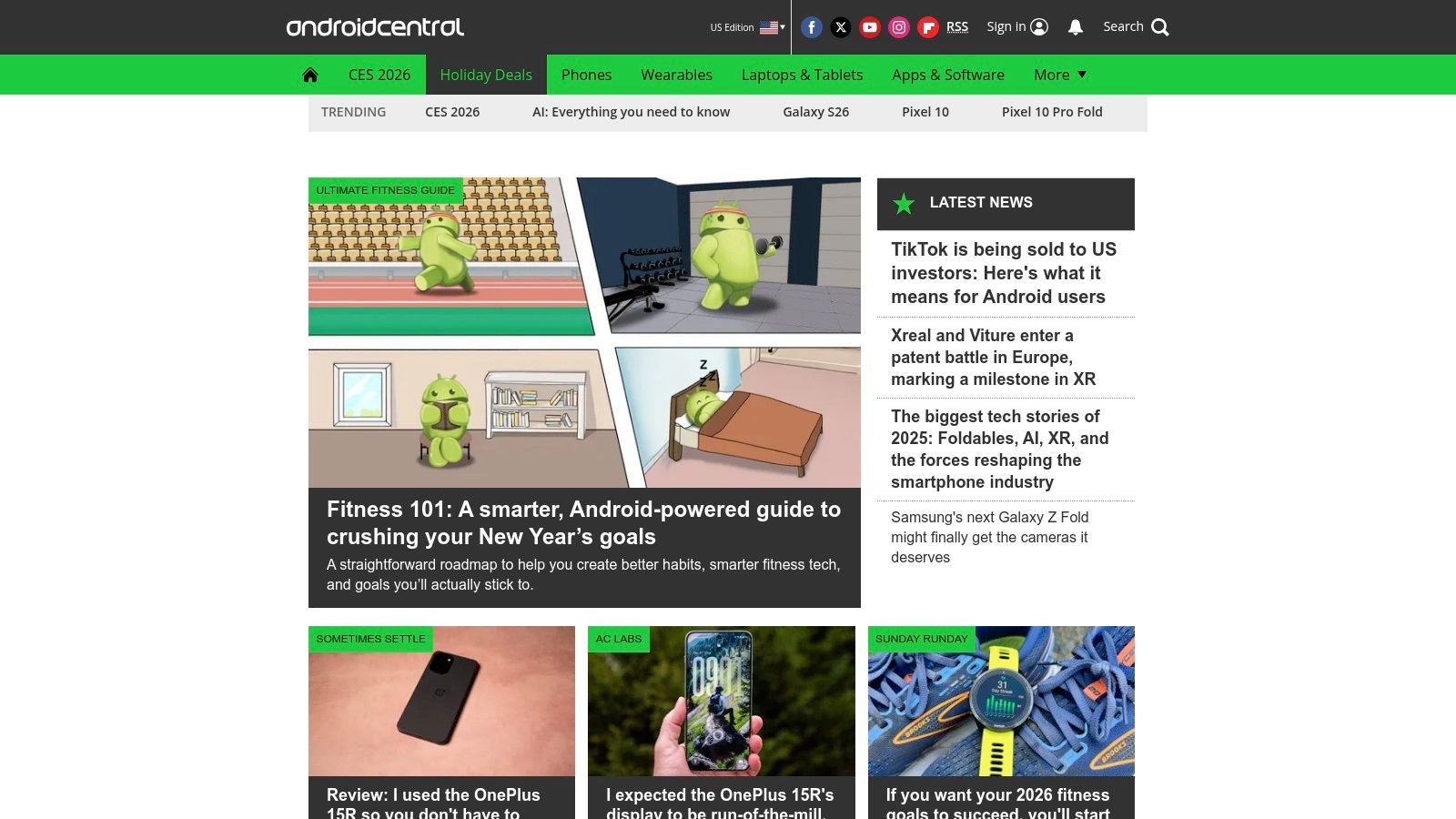
The site’s strength is its editorial context; articles don't just list apps but explain why an app is a top choice and how it compares to alternatives. This analysis helps you make informed decisions without spending hours on trial-and-error. Finding the best navigation or to-do list app is simplified through their "best of" guides.
Real-World Use Case (Any SME Owner): Before a business trip, the owner can search Android Central for "best Wear OS travel apps." They'll find a curated list with pros and cons, helping them download the best apps for currency conversion, navigation, and translation in minutes.
Your Actionable Takeaway
Instead of randomly browsing the Play Store, find a recent "Best Wear OS Apps" article on Android Central. Pick one app from their productivity or business category and test it for a week. Let experts do the initial research for you.
12. XDA Developers – Wear OS Apps Repository
XDA Developers is a legendary community hub for Android enthusiasts that serves as an unofficial archive for wear os apps. For entrepreneurs and power users, this forum is a great resource for finding niche, legacy, or delisted applications that are no longer on the Google Play Store.
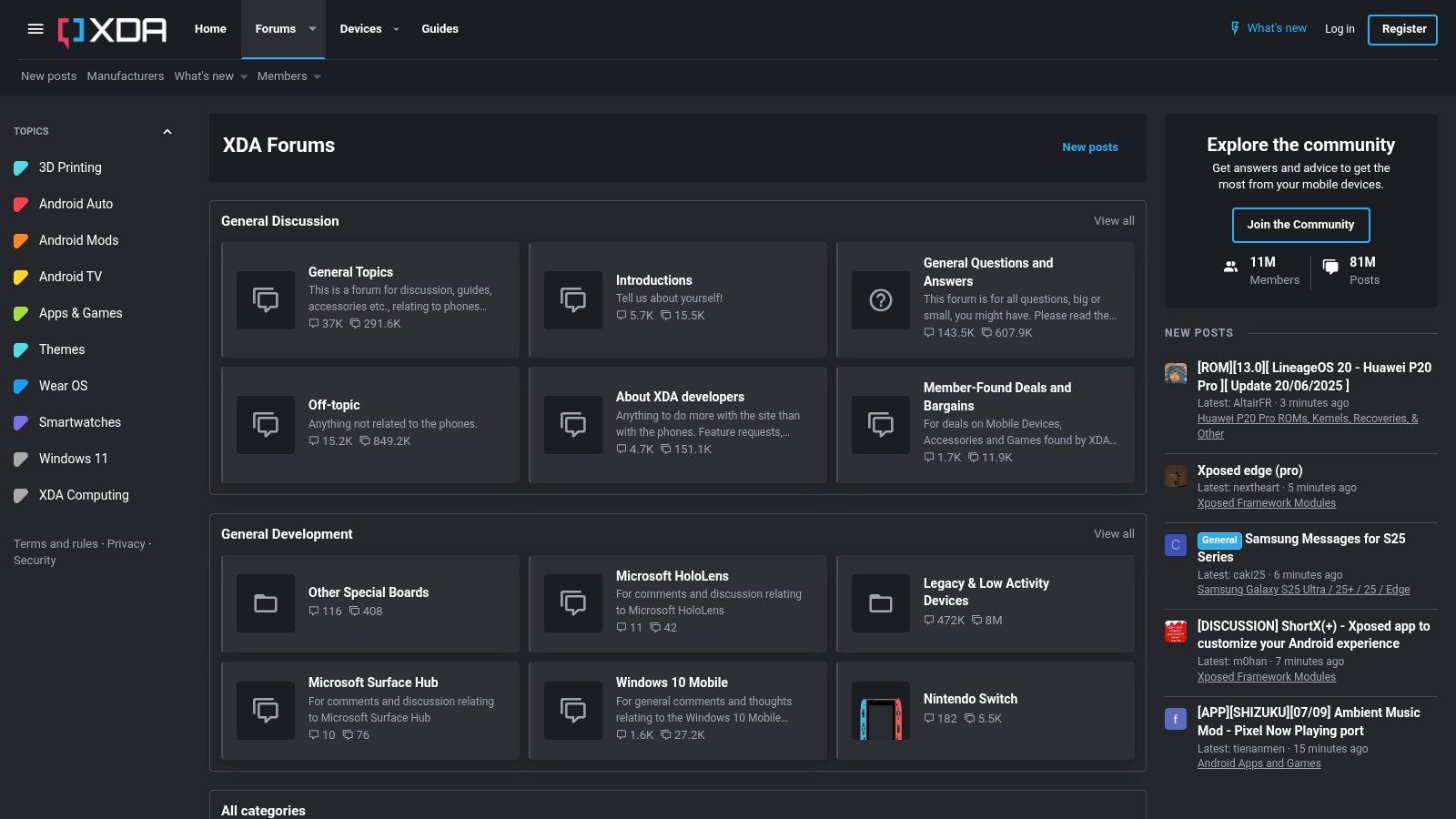
The value of the XDA repository is its collection of links to trustworthy hosts like APKMirror and GitHub, often with explanations for an app’s absence from the Play Store and detailed compatibility notes. This can be useful for businesses needing a specific legacy app to maintain a workflow that a newer update has broken.
Real-World Use Case (Field Services): A small plumbing business might rely on an older, specific invoicing app that was removed from the Play Store. The owner could find a safe, archived version on XDA, allowing them to continue using their established workflow on their team's smartwatches.
Your Actionable Takeaway
Use XDA as a last resort when a critical app is no longer officially available. The community knowledge is immense, but always be cautious and ensure you're downloading from the reputable sources linked within the forums.
Wear OS Apps — 12-Resource Comparison
Source / Core offering | Quality & UX (★) | Pricing & Value (💰) | Target audience (👥) | Unique selling point (✨ / 🏆) |
|---|---|---|---|---|
Google Play Store (Wear OS apps & watch faces) | ★★★★★ Trusted reviews & refund policy | 💰 Free/paid apps, IAPs & subscriptions; regional pricing | 👥 General consumers & developers | ✨ Direct "Install to watch"; 🏆 Largest official catalog |
Wear OS by Google (official product site) | ★★★★ Official, up‑to‑date platform overview | 💰 Free informational hub | 👥 Newcomers & partner/first‑party app seekers | ✨ Showcase of first‑party apps + links to Play |
Android Developers – Wear OS (docs) | ★★★★★ Canonical dev docs & compatibility guides | 💰 Free | 👥 Developers & integrators | ✨ WFF specs, design & release notes; 🏆 Authoritative source |
Facer | ★★★★ Large, curated community catalog | 💰 Freemium + premium subscription | 👥 Style‑focused users & designers | ✨ Massive branded/community faces; battery impact labels |
WatchMaker | ★★★★ Broad classic & luxury face selection | 💰 Paid faces; migration pricing can vary | 👥 Enthusiasts & designers | ✨ Designer tools + curated WFF conversions |
Pujie Watch Faces | ★★★★ Polished indie tooling & community library | 💰 One‑time purchases; separate SKUs for compatibility | 👥 Power users & creators | ✨ Advanced no‑code designer; clear OS compatibility SKUs |
AMOLEDwatchfaces | ★★★★ High‑res, battery‑friendly WFF faces | 💰 Paid faces/plugins optional | 👥 AMOLED owners & performance‑conscious users | ✨ Install guides + optional companion plugins |
APKMirror | ★★★ Useful archive with signature checks | 💰 Free (manual sideloading required) | 👥 Advanced users & compatibility hunters | ✨ Version history & region/delisted workarounds |
GitHub – Wear OS topic | ★★★ Varies by project; open‑source transparency | 💰 Free (may require build/install effort) | 👥 Developers, tinkerers & contributors | ✨ Experimental projects & source access |
Samsung Watch Face Studio (WFS) | ★★★★ Official no‑code creation tool | 💰 Free tool; Play Console publishing costs apply | 👥 Creators & studios | ✨ WFF export & modern API targeting; 🏆 Official tooling |
Android Central | ★★★★ Curated editorial roundups & reviews | 💰 Free editorial content; links to stores | 👥 Consumers seeking curated recommendations | ✨ Timely roundups and comparative picks |
XDA Developers – Wear OS Apps Repository | ★★★ Community‑curated aggregated links | 💰 Free (manual installs from linked sources) | 👥 Power users & legacy app hunters | ✨ Aggregated delisted app links + troubleshooting guidance |
Your Next Steps to Smartwatch Supremacy
You now have a complete toolkit of resources to find, build, and master the perfect Wear OS apps for your business. We've shown you how a smartwatch can be a genuine strategic asset—a powerful tool for boosting your productivity, streamlining communication, and increasing your day-to-day efficiency.
The key takeaway is to start small. Don't try to revolutionise your entire workflow overnight. Instead, identify one or two key frustrations in your daily routine. Is it missing important calls while your phone is on silent? Or is it the time wasted trying to find the right information between meetings?
Once you have a clear problem, pick one resource from this list that offers a direct solution. For example, if you need key performance indicators (KPIs) always visible, try creating a custom watch face with WatchMaker. If you need to manage tasks more efficiently, find a dedicated to-do list app on the Play Store and commit to using its watch complication.
Putting Your Plan into Action
Follow these simple, actionable steps to integrate these tools effectively:
Identify One Pain Point: Choose a single, specific problem to solve. For example, "I need to track my billable hours more accurately."
Select Your Tool: Find an app that addresses this. For time tracking, you might look for a popular app like Toggl or Clockify on the Google Play Store.
Run a One-Week Trial: Install the app and use it exclusively from your watch for one full business week.
Evaluate the ROI: At the end of the week, ask yourself: Did this save me time? Was it more convenient? Did it improve my accuracy? And critically, how did it affect my watch's battery life? This test-and-refine process is how you build a personalised toolkit that delivers real value.
This methodical approach allows you to build a powerful, custom suite of Wear OS apps without the stress of a complete digital overhaul.
Beyond the Wrist: Integrating AI into Your Business
As your business grows, the apps on your smartwatch are just one piece of a larger digital ecosystem. Staying ahead of the curve with technologies like artificial intelligence and automation is no longer a luxury—it's essential for staying competitive. The world of AI might seem complicated, but you don't have to navigate it alone.
If you're ready to explore how AI can reshape other critical parts of your business—from automating customer feedback and lead generation to optimising your marketing for maximum impact—a strategic partner can provide the clarity you need.
At Digifox, we specialise in demystifying AI and creating practical, results-driven strategies for SMEs in Belgium. We help you identify, test, and implement the right digital solutions that deliver a measurable return on investment. Let's work together to turn technological potential into tangible, sustainable growth. Your journey to smartwatch supremacy is the first step towards a smarter, more efficient future for your entire business.
